Secure P2P marketplace with SPACEL buyer protection
Seller stories, buyer experiences & success journeys
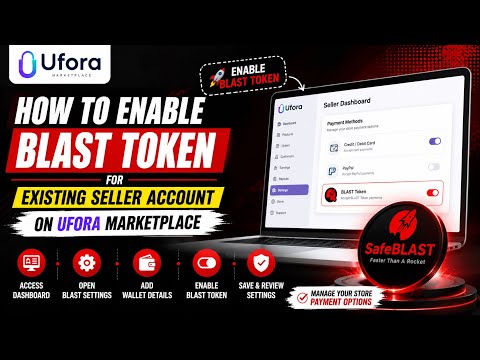
How to Enable BLAST Token for Your Existing Seller Account on UFORA Marketplace
Already have a seller account on UFORA Marketplace? In this tutorial, learn how to enable the BLAST Token payment option for your existing store and manage your store settings step by step. 📌 In This Video: ✅ Access your Seller Dashboard ✅ Open BLAST Token settings ✅ Add the required wallet details ✅ Enable the BLAST Token payment option ✅ Save and review your settings ✅ Prepare your store for eligible payment options 💡 This video is for educational purposes only. Availability of features may vary by region and account status.
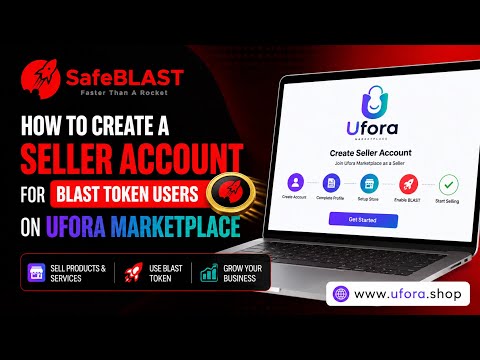
How to Create a Seller Account for BLAST Token Users on UFORA Marketplace
In this video, you’ll learn how to create a seller account on UFORA Marketplace and start selling products and services while using BLAST Token within the ecosystem. 📌 In This Video: ✅ Access the Seller Center ✅ Create your seller account ✅ Complete the required profile details ✅ Set up your store information ✅ Configure BLAST Token features 💡 UFORA Marketplace provides tools to help sellers manage their stores, products, and customers more efficiently from one platform.
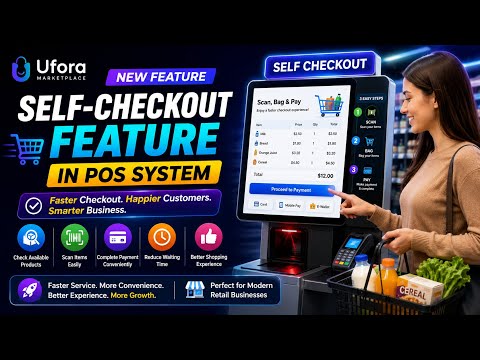
Self-Checkout Feature in POS System in UFORA Marketplace
Self-Checkout Feature in POS System in UFORA Marketplace| Faster & Smarter Customer Experience 🛒✨
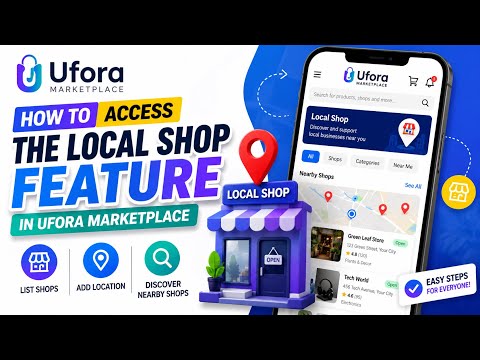
How To Access the Local Shop Feature in UFORA Marketplace
🚀🛍️ How To Access the Local Shop Feature in UFORA Marketplace 📍🏪
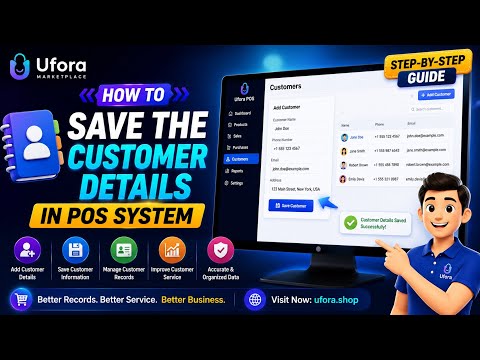
How to Save Customer Details in Your POS System in Ufora Marketplace | Step-by-Step Guide 👥💳
How to Save Customer Details in Your POS System in Ufora Marketplace | Step-by-Step Guide 👥💳
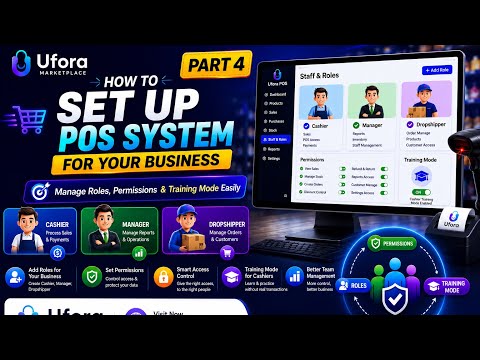
Set Up a POS System for UFORA Marketplace – Part 4
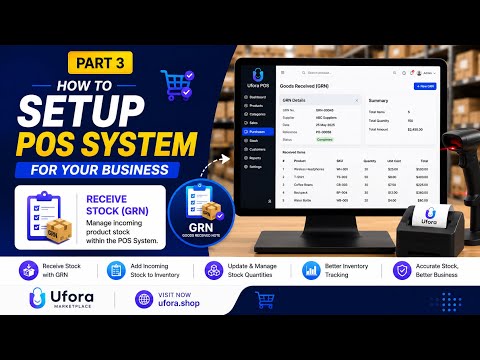
Set Up a POS System for UFORA Marketplace – Part 3
🚀📦 How to Set Up a POS System for Your Business – Part 3 💳✨
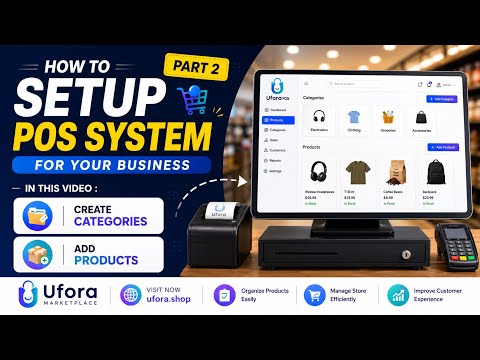
Set Up a POS System for UFORA Marketplace – Part 2
🚀🛍️ How to Set Up a POS System for UFORA Marketplace – Part 2 💳✨
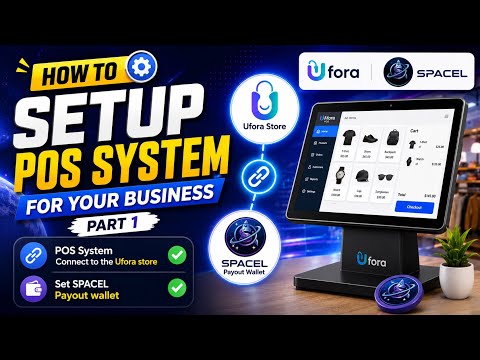
Set Up a POS System for Ufora Marketplace – Part 1
🚀🛍️ How to Set Up a POS System for Ufora Marketplace – Part 1 💳✨
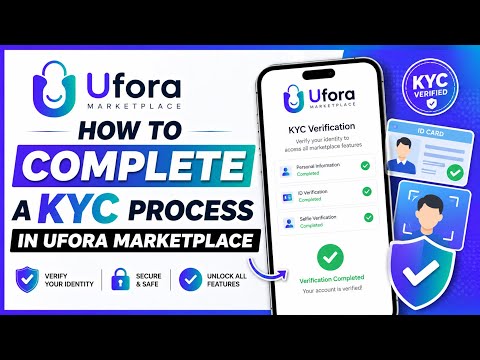
Complete KYC Verification on UFORA Marketplace
How to Complete KYC Verification on UFORA Marketplace | Step-by-Step Guide
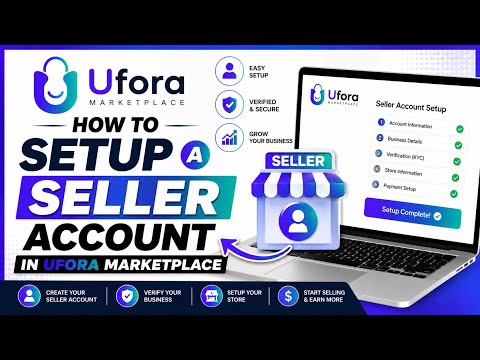
Set Up a Seller Account on UFORA Marketplace
How to Set Up a Seller Account on UFORA Marketplace | Step-by-Step Guide
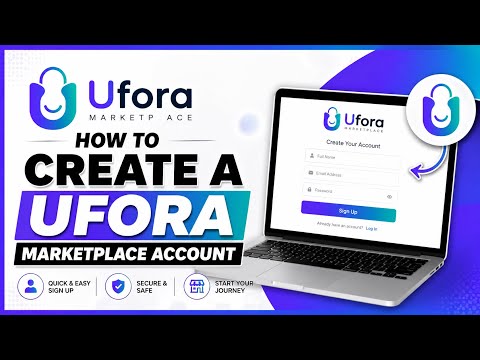
Create a UFORA Marketplace Account
How to Create a UFORA Marketplace Account | Step-by-Step Guide